

Download Say Namaste – free video conferencing app for secure Indian communication
Overview
Say Namaste is a free video and chat application engineered specifically for the Indian market. Developed by Inscripts and published by CometChat, the platform delivers a streamlined, privacy‑focused experience for individuals and small teams that need reliable video‑conferencing without the overhead of complex login procedures. Whether you are joining a quick one‑on‑one discussion, a 10‑person brainstorming session, or a larger meeting capped at 50 participants, Say Namaste provides a secure, ISO 9001:2015‑certified connection that encrypts all traffic end‑to‑end.
The tool is available on Android, iOS, Windows, macOS, and as a web‑based client, making it accessible from virtually any device. While it does not boast the extensive feature set of global giants like Zoom or Microsoft Teams, Say Namaste distinguishes itself through its minimalistic interface, instant meeting creation, and a focus on data privacy that aligns with Indian regulatory expectations. The lack of a mandatory sign‑in screen reduces friction, yet the app still manages to keep user data protected.
In short, Say Namaste offers a practical, low‑cost alternative for Indian professionals, educators, and families who prioritize ease of use and security over advanced customization.
Key Features & Benefits
- Instant meeting creation – start a call with a single tap, no login required.
- Supports up to 50 participants per session, ideal for tight‑knit teams.
- Secure, encrypted connections certified to ISO 9001:2015 standards.
- Screen‑sharing on Windows, macOS, and web versions for presentations.
- File‑sharing during calls – upload documents, images, and PDFs instantly.
- Integrated chat and instant messaging for text‑based collaboration.
- Cross‑platform availability – Android, iOS, Windows, macOS, and browser‑based.
- Free of charge – no hidden subscription fees or premium tiers.
The core advantage of Say Namaste lies in its simplicity. Users can launch the app, tap “Create Meeting,” and invite participants via a short link or QR code. This rapid onboarding is particularly valuable in educational settings where teachers need to bring students online quickly, or in small businesses that cannot afford lengthy onboarding processes.
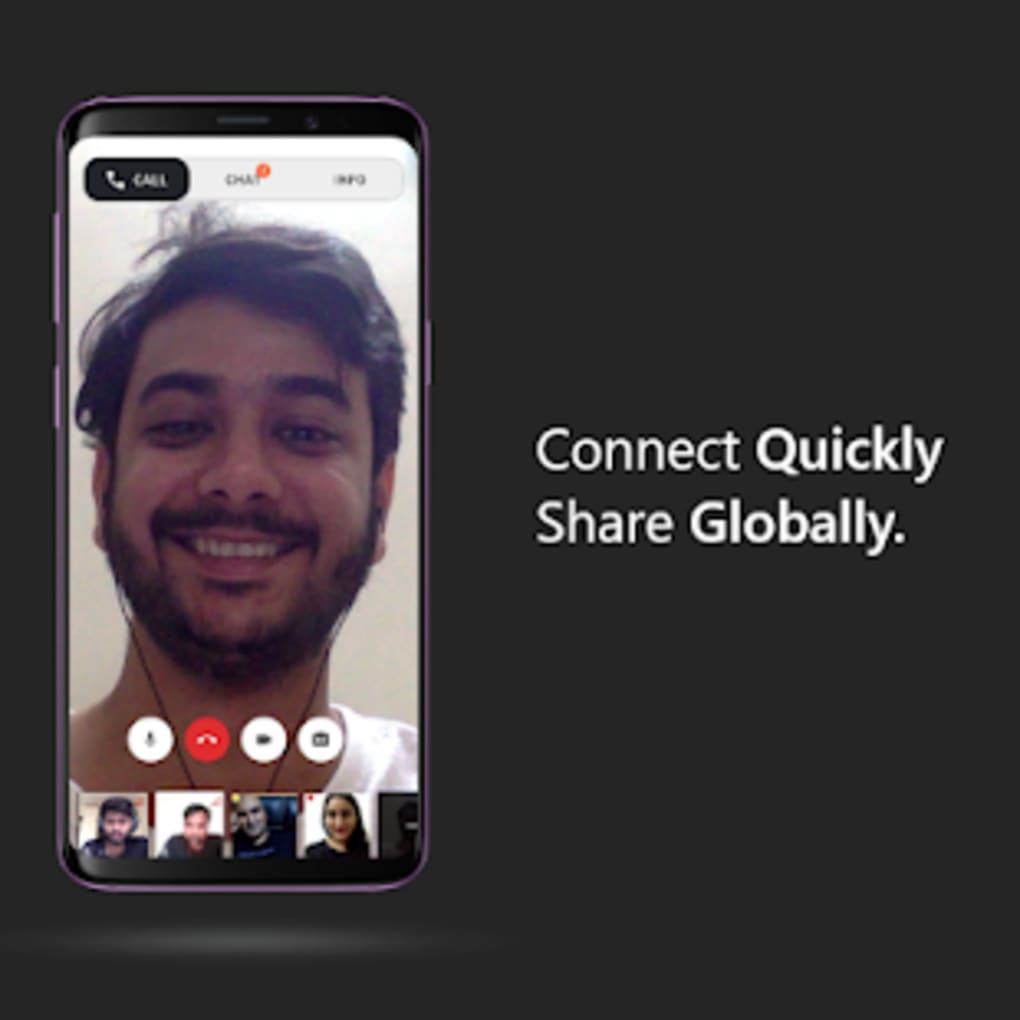
The screen‑sharing capability on desktop platforms empowers presenters to demonstrate software, walk through slides, or showcase product prototypes without third‑party tools. Although mobile users cannot share their screens, they retain the ability to upload files directly from their devices, ensuring that document exchange remains fluid across all participants. The chat window stays visible throughout the call, allowing side conversations, link sharing, or quick polls without interrupting the video stream.
By keeping the interface uncluttered and removing extraneous settings, Say Namaste reduces cognitive load, letting users focus on the meeting content rather than configuration details. This design philosophy aligns with the needs of Indian users who often prefer straightforward, purpose‑built applications over feature‑bloat.
Installation, Usage & Compatibility
How to Install on Different Platforms
Android & iOS: Visit the Google Play Store or Apple App Store, search for “Say Namaste,” and tap “Install.” The app size is under 50 MB, and the installation process takes less than a minute on a typical 4G connection. Once installed, grant camera, microphone, and storage permissions to enable video, audio, and file‑sharing functionalities.
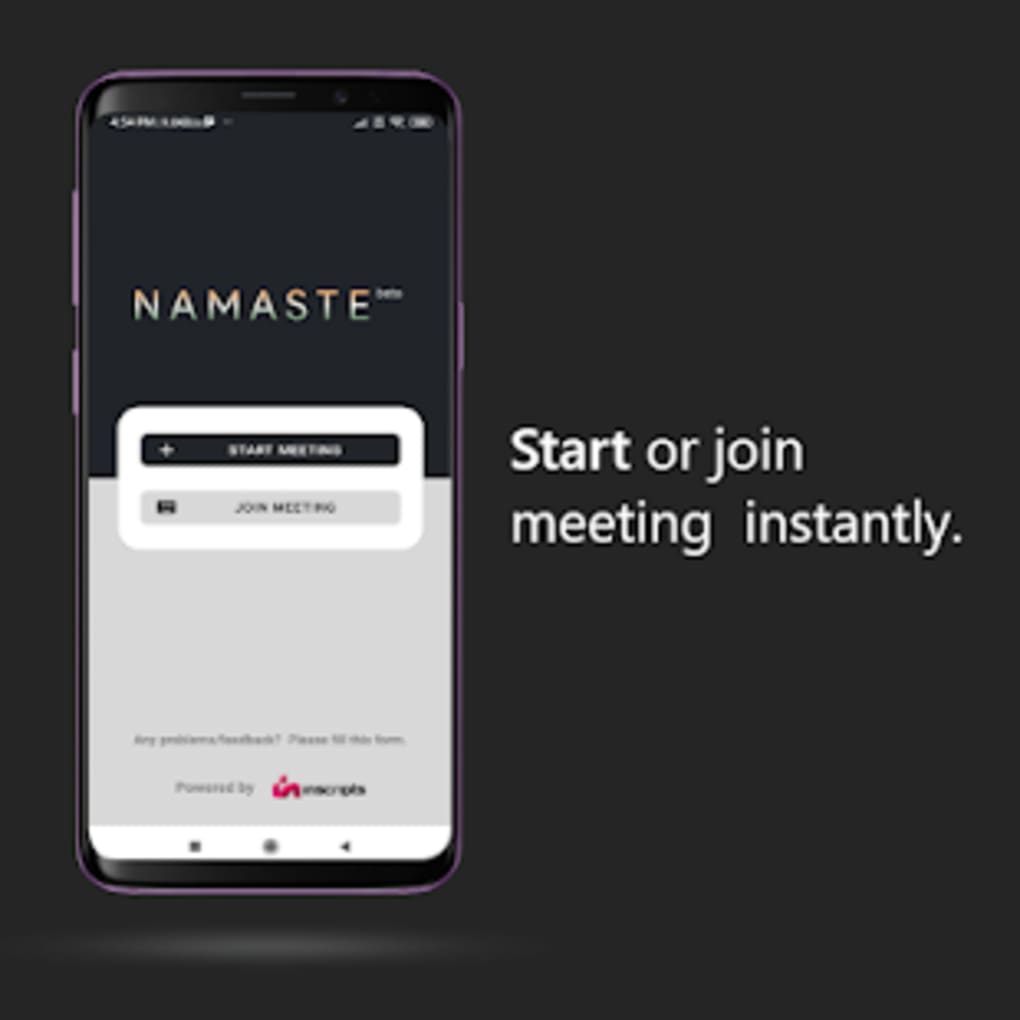
Windows & macOS (Desktop): Navigate to the official Say Namaste website (https://saynamaste.com) and click the “Download for Windows” or “Download for macOS” button. Run the installer, follow the on‑screen prompts, and accept the license agreement. After installation, launch the app; the first screen presents “Create Meeting” and “Join Meeting” options. Desktop versions support screen‑sharing via the “Share Screen” button located in the meeting toolbar.
Web Version: Open any modern browser (Chrome, Edge, Firefox, Safari), go to https://web.saynamaste.com, and you can start a meeting instantly without any download. The web client works best on browsers that support WebRTC, which includes the majority of current browsers.
Running a Meeting
To start a meeting, click the “Create Meeting” button. A unique meeting ID and link are generated automatically. Share this link via email, messaging apps, or QR code.
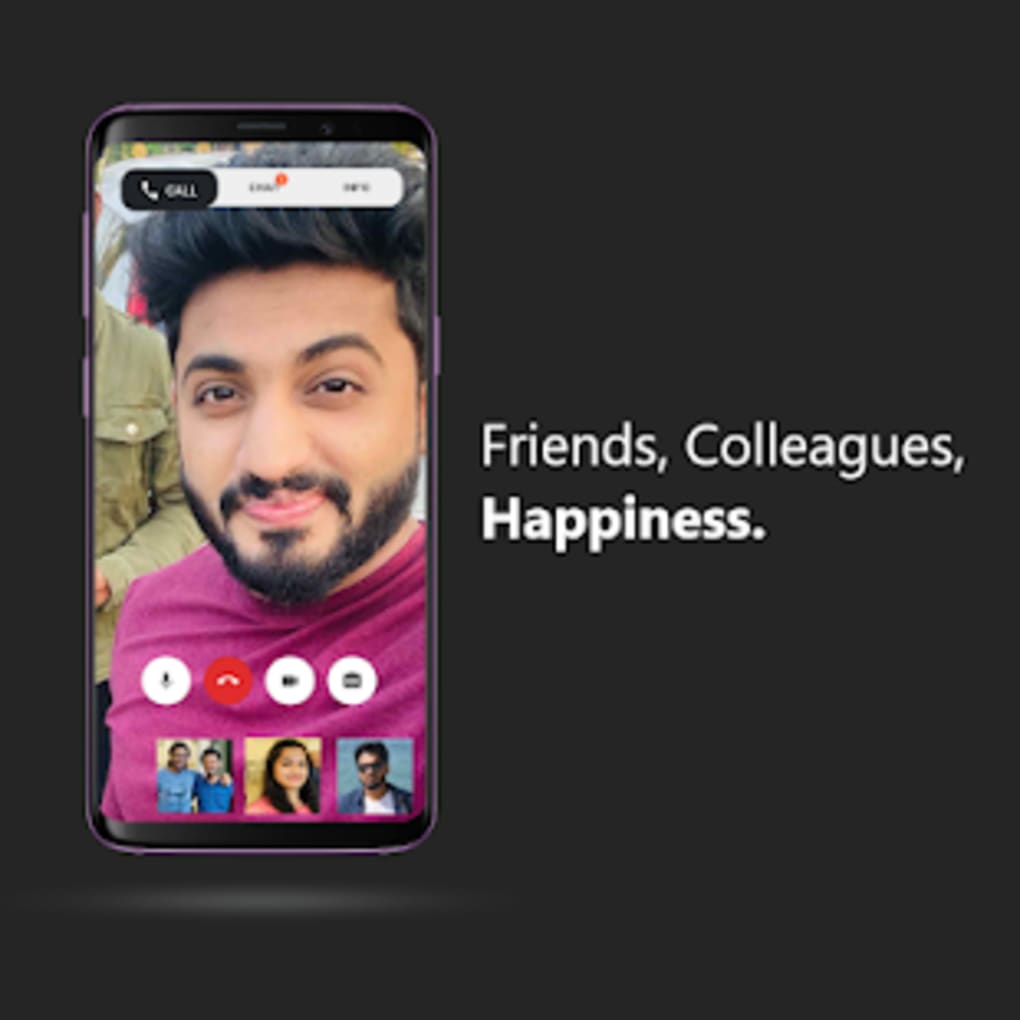
Participants click the link, which opens the app (or web client) and joins the meeting instantly. During the call, use the toolbar to mute/unmute, toggle video, open the chat panel, or, on desktop, click “Share Screen.” Files can be dragged into the chat window or uploaded using the paper‑clip icon. The interface automatically adjusts layout based on the number of participants, ensuring a clear view of each video feed up to the 50‑person limit.
Compatibility
Say Namaste is compatible with Android 6.0+ and iOS 11+, Windows 10 (64‑bit) and newer, macOS 10.13+ (High Sierra) and later, as well as any recent browser that supports WebRTC. The app requires a minimum of 2 GB RAM and 200 MB of free storage on mobile devices, while desktop installations need at least 4 GB RAM and 500 MB of disk space. A stable internet connection (minimum 1 Mbps upload/download) is recommended for smooth video quality, though the app can dynamically adjust resolution based on bandwidth.
Pros, Cons, Frequently Asked Questions & Final Verdict
Pros
- Completely free with no hidden fees.
- Instant meeting creation without login.
- Secure, encrypted connections meeting ISO standards.
- Screen‑sharing on desktop and web platforms.
- Simple, user‑friendly interface suitable for non‑technical users.
Cons
- No ability to schedule future meetings; meetings must be created in real time.
- Lacks advanced settings such as virtual backgrounds, breakout rooms, and meeting passwords.
- Mobile version does not support screen‑sharing.
- Participant limit of 50 may be insufficient for larger webinars.
- Limited integration with third‑party productivity tools.
FAQ
Is Say Namaste really free to use?
Yes, Say Namaste is completely free. There are no subscription tiers or hidden charges for any of its core video‑calling features.
Can I schedule a meeting in advance?
Currently, the app does not support scheduled meetings. All meetings must be created and joined in real time.
Is my data protected during calls?
Yes. All video, audio, and chat data are encrypted end‑to‑end and the service complies with ISO 9001:2015 security standards.
Which devices can I use for screen sharing?
Screen sharing is available on the Windows, macOS, and web versions of Say Namaste. Mobile apps currently do not support screen sharing.
How many participants can join a single meeting?
A single meeting can host up to 50 participants simultaneously, which covers most small‑to‑medium team scenarios.
Conclusion & Call to Action
Say Namaste fills a niche for Indian users who need a fast, secure, and completely free video‑conferencing solution without the overhead of complex account management. Its strengths lie in instant meeting creation, solid encryption, and a clean interface that works well on both mobile and desktop. However, the absence of scheduled meetings, limited advanced features, and a modest participant cap mean it may not replace more robust platforms for larger enterprises or educators requiring breakout rooms and integrations. If you are a small business, freelancer, or family looking for a hassle‑free way to connect, Say Namaste offers a compelling option—especially when privacy and cost are top priorities.
Ready to experience secure, no‑login video calls? Download Say Namaste now and start your first meeting in seconds.
Say Namaste delivers a straightforward, secure video‑calling experience that is ideal for small teams and personal use. While it lacks some advanced features found in larger competitors, its free pricing, instant meeting setup, and ISO‑certified encryption make it a solid choice for users who value simplicity and privacy.



.png)



